Max

3D render services

Product visuals that can carry the whole launch.

I help product brands, designers and makers turn CAD files, sketches or early concepts into polished render systems: hero images, shop visuals, detail crops, motion assets and technical presentation frames.

Start a project
01Silo renders
02Lifestyle scenes
03Feature callouts
04Motion assets
05CAD to visual
06Material creation
01Silo renders
02Lifestyle scenes
03Feature callouts
04Motion assets
05CAD to visual
06Material creation

Production proof

Built like a content system, not a single loose render.

01

One model, many outputs

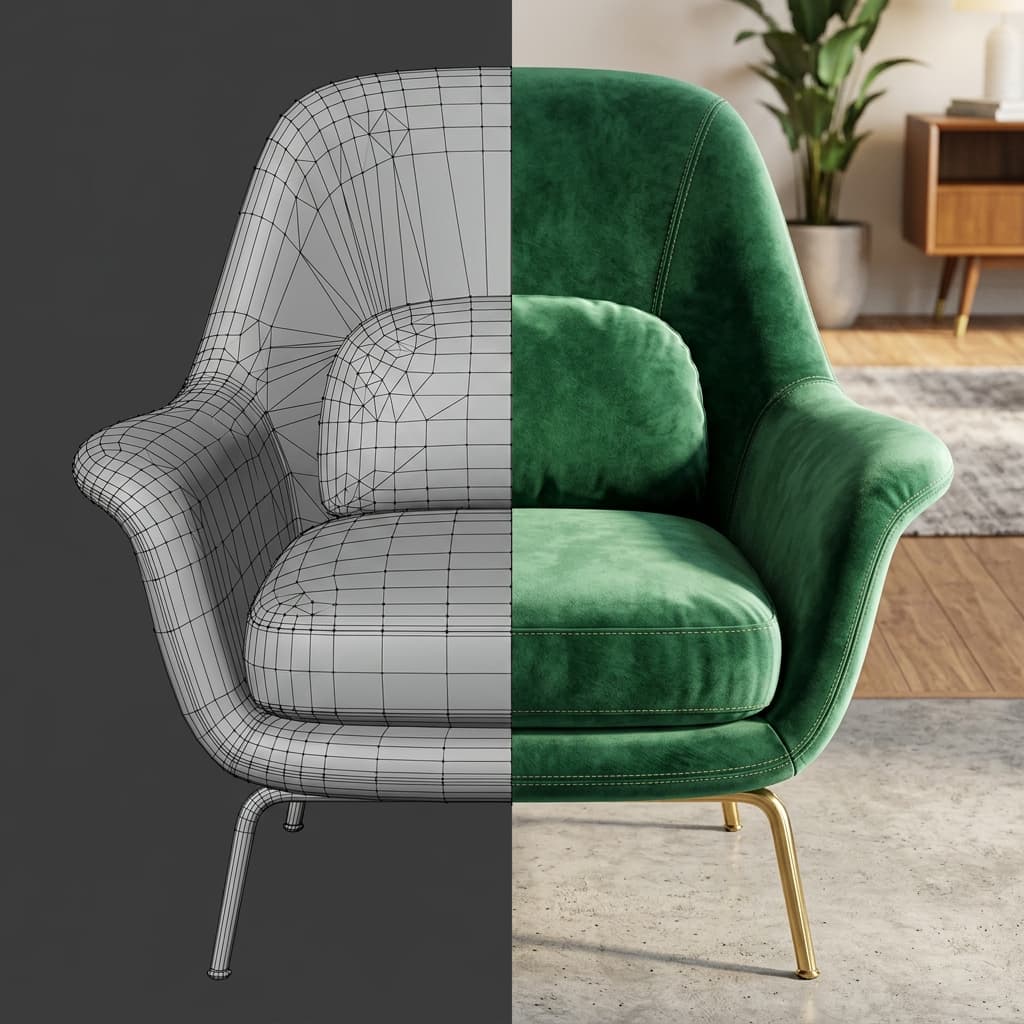
A product can move from hero render to detail crop, shop image, deck frame and motion loop without rebuilding the visual system.

05

Portfolio systems online

The current work already covers appliances, furniture, interiors, lighting and packaging so clients can see the range before a brief starts.

3D

Design-aware CGI

The workflow combines product design judgement with render craft, so form, material and composition are developed together.

Service range

Visual services built around product content.

The offer is organized by product situation first: what needs to be sold, explained, launched or reused. Each panel connects a product category to the assets it can produce.

Warm materials

01 / 04

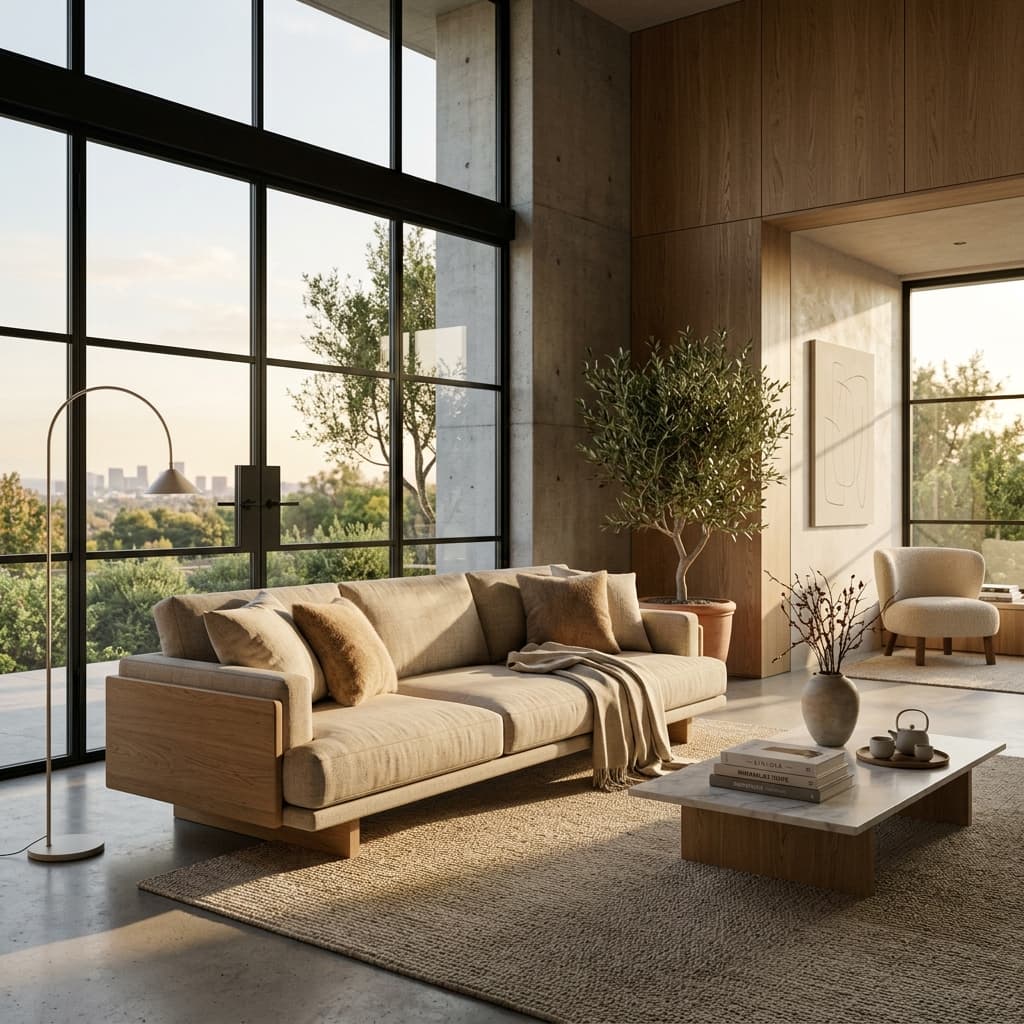
Furniture & interiors

Furniture makers, interior brands and designers who need product imagery without arranging a physical shoot.

Lifestyle scenes
Material close-ups
Room compositions
Catalogue images
View matching project
Unbranded lounge chair in a calm modern interior with soft daylight.

Hero visuals

02 / 04

Product & appliances

Product teams and makers who need precise visuals before photography, tooling or launch production is ready.

Hero images
White-background renders
Feature frames
Pitch visuals
View matching project
Unbranded compact appliance rendered on a clean neutral studio background.

Glow studies

03 / 04

Lighting & decor

Lighting and decor brands that need to show glow, materials and atmosphere in controlled visual settings.

Glow renders
Ambient scenes
Detail crops
Material studies
View matching project
Warm sculptural table lamp on a minimal textured interior surface.

Product systems

04 / 04

Packaging & e-commerce

Brands that need one product model to become shop images, campaign scenes and reusable launch assets.

Product lineups
Silo images
Social crops
Campaign visuals
View matching project
Blank premium packaging lineup on a bright e-commerce studio background.

Service menu

The offer, organized by what the product needs to do.

Each service is separated into a clear production need, so it is easy to see where it fits, what it produces and how it can be reused across a product launch.

Product images

Still imagery for product pages, catalogues, presentations and launch campaigns.

Silo renders

White or neutral background product images for shop pages, marketplaces and catalogues.

Use case

Best when the product needs to be inspected clearly before a customer reads the page.

Outputs

PNG, JPG, transparent-background crops

Lifestyle scenes

Contextual room, studio or tabletop scenes that show the product in use.

Use case

Best for product launches, hero sections, lookbooks and social campaigns.

Outputs

Web hero, square crop, vertical crop

Feature callouts

Visual explanations for materials, proportions, mechanisms and product benefits.

Use case

Best when product details need to sell faster than paragraphs of technical copy.

Outputs

Close-up stills, labelled frames, deck visuals

Motion & reusable assets

Short loops, social crops and render-ready model systems that extend one product direction.

Motion assets

Short product loops and reveal animations for web, pitch decks and social media.

Use case

Best for launches, reels, website loops and mechanism explanations.

Outputs

MP4, vertical reels, silent web loops

CAD to visual

Transform technical models into refined visual assets with lighting, materials and composition.

Use case

Best when engineering files exist but the product still needs emotional, market-ready presentation.

Outputs

Cleaned model, render-ready scene, final stills

Material creation

Surface studies that make wood, fabric, glass, metal and stone feel believable.

Use case

Best when realism depends on fabric weave, wood grain, brushed metal, glass or stone behavior.

Outputs

Shader studies, material crops, render presets

Estimate project

Build a render scope in four steps.

Move through the same decisions that shape a real brief: product complexity, source material, asset types and final delivery range.

Recommended package

Campaign render set

Hero scene, silo images, detail crops and reusable crops for web or social.

Best for a product page, investor deck or campaign push.

Typical production window: 1-3 weeks
Detailed productCAD available4-8 finals3 asset types
Send this scope
Step 1 / Product complexity

How complex is the product?

Choose the closest starting point. This affects modeling, cleanup and material work.

How it works

A render workflow with clear proof at every step.

The process is designed to make the invisible parts of 3D work visible: what input is needed, what is created, and how each final asset will be used.

01

Brief becomes asset plan

Instead of making one image in isolation, the project is mapped into the images, crops and motion assets the launch needs.

Output list, aspect ratios and priority scenes.

02

Model becomes visual system

CAD, sketches or references are turned into a clean product model with reusable materials and controlled lighting.

Reusable Blender/Fusion workflow and render-ready scenes.

03

Finals become launch content

The finished renders are exported for web, deck, e-commerce and social use so the same direction stays consistent everywhere.

Hero, detail, square, vertical and presentation exports.

Details

Common questions

What do I need to start a render project?

A product sketch, CAD file, reference photos or a clear moodboard is enough to begin. The first step is always translating that input into a clean visual brief.

Can you work from CAD files?

Yes. CAD or Fusion 360 files can be cleaned, styled and rendered so the final image feels less technical and more presentation-ready.

Do you only make furniture visuals?

No. Furniture and interiors are a strong fit, but the same workflow works for appliances, lighting, packaging, decor and technical products.

Can one model become multiple assets?

Yes. A single product model can be reused for silo images, lifestyle renders, close-ups, animation frames and technical presentation visuals.

Have a product that needs a sharper visual story?

Send the brief